Linux / AI Strategy
The Infrastructure of Intelligence: Why AI Needs the Linux Shell
Mastering Linux AI Engineering: Why the terminal is the ultimate bridge between LLM intelligence and production engineering in 2026.
Written by

Codehouse Author
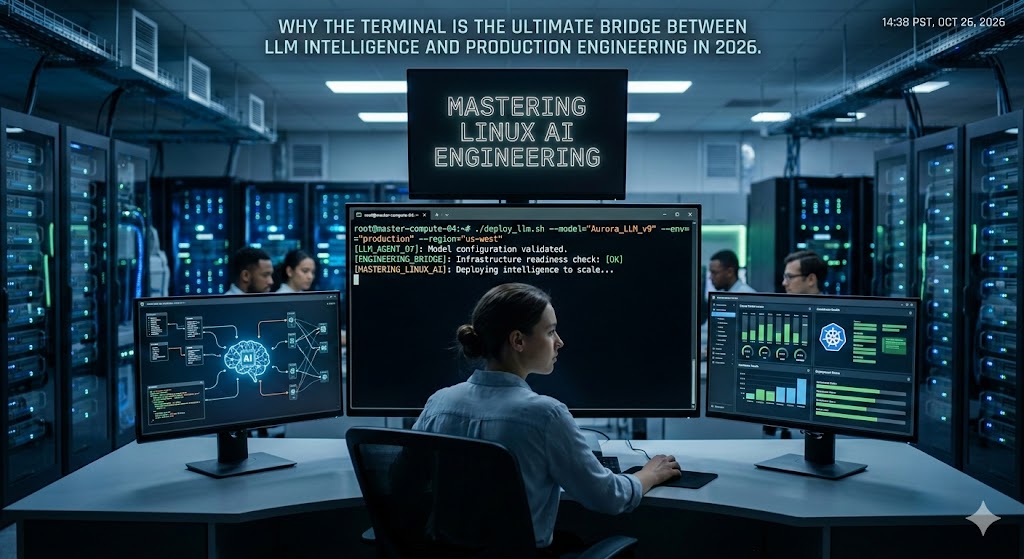
In early 2024, the world was obsessed with "Prompt Engineering"—the art of whispering the right words into a web-based chat box. By 2026, that skill has been relegated to the hobbyists. For the senior professional, the frontier has moved to Linux AI Engineering. We no longer treat AI as a "magic box" we talk to; we treat it as a high-speed worker that lives inside our infrastructure. And for an AI agent to be truly effective, it needs the most powerful, flexible, and context-rich environment ever created: the Linux Command Line.
If you are still copy-pasting code from a browser into your IDE, you are paying a "context tax" that is killing your productivity. As we explored in our guide to the AI Developer Agent Workflow, the shift toward autonomous agents requires a bridge between the model's intelligence and your project's physical files. That bridge is the terminal. When you master Linux AI Engineering, you stop being a passenger in the AI revolution and start being the driver of an automated engineering factory.
1) The Unix Philosophy: The Perfect API for AI
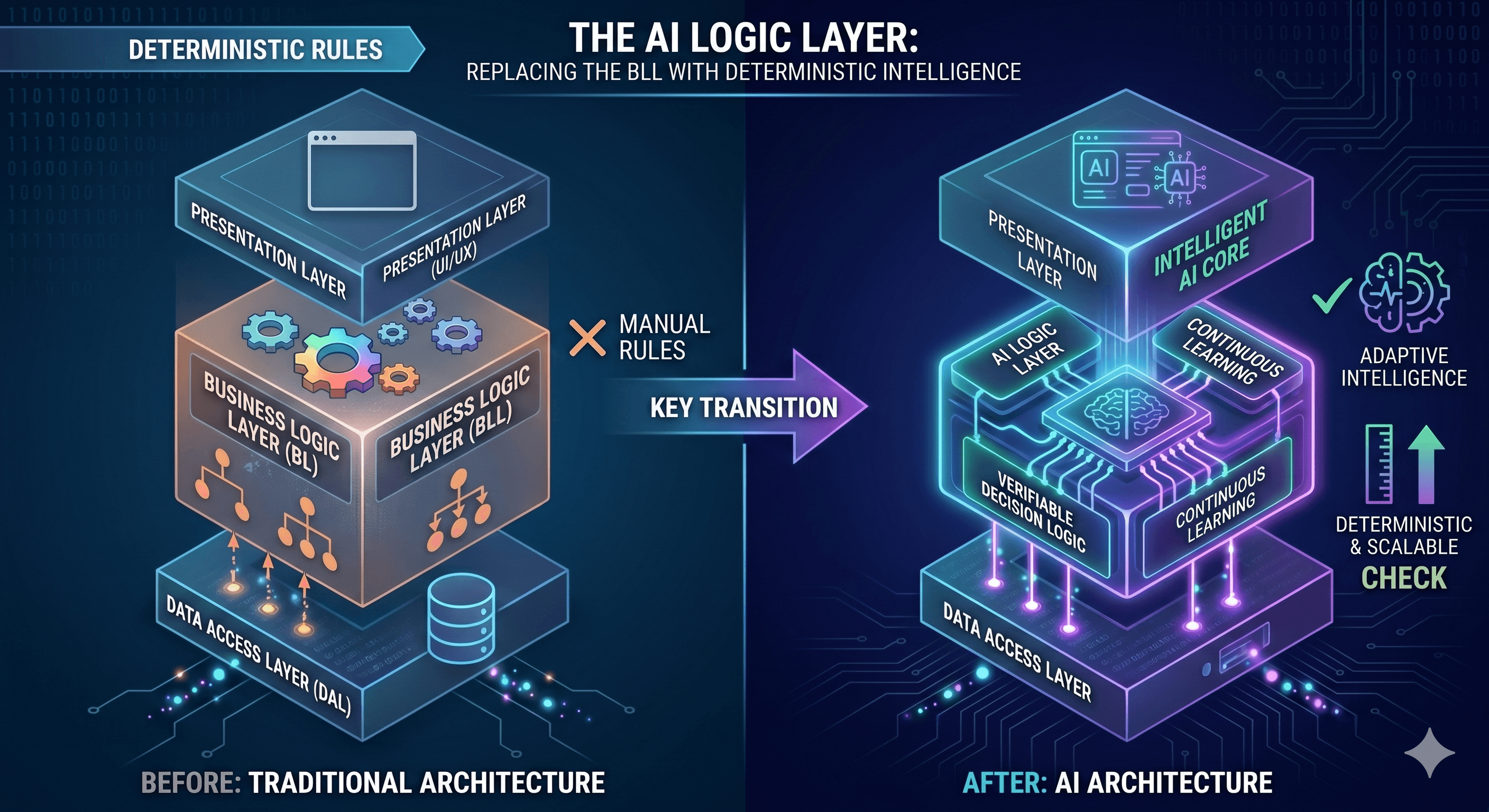
The core philosophy of Linux—"Write programs that do one thing and do it well. Write programs to work together. Write programs to handle text streams"—is exactly how Large Language Models (LLMs) think. An AI agent doesn't want to navigate a complex Graphical User Interface (GUI); it wants a clean, text-based stream of information. This is why the shell is the natural habitat for professional agents. By providing an agent with access to standard tools like `grep`, `find`, and `sed`, you are giving it "eyes" and "hands" that are far more precise than any mouse-driven interface.
In our Linux Mastery: Full Course, we teach students that the terminal isn't just for running commands; it's for building pipelines. In the context of Linux AI Engineering, these pipelines now include "Cognitive Nodes." You can pipe a list of legacy files into an agent, have it identify security vulnerabilities using `strace`, and then have it apply surgical fixes directly to the file system. This level of orchestration is only possible when you understand the underlying operating system.
2) Context Management: The Agent's Greatest Challenge
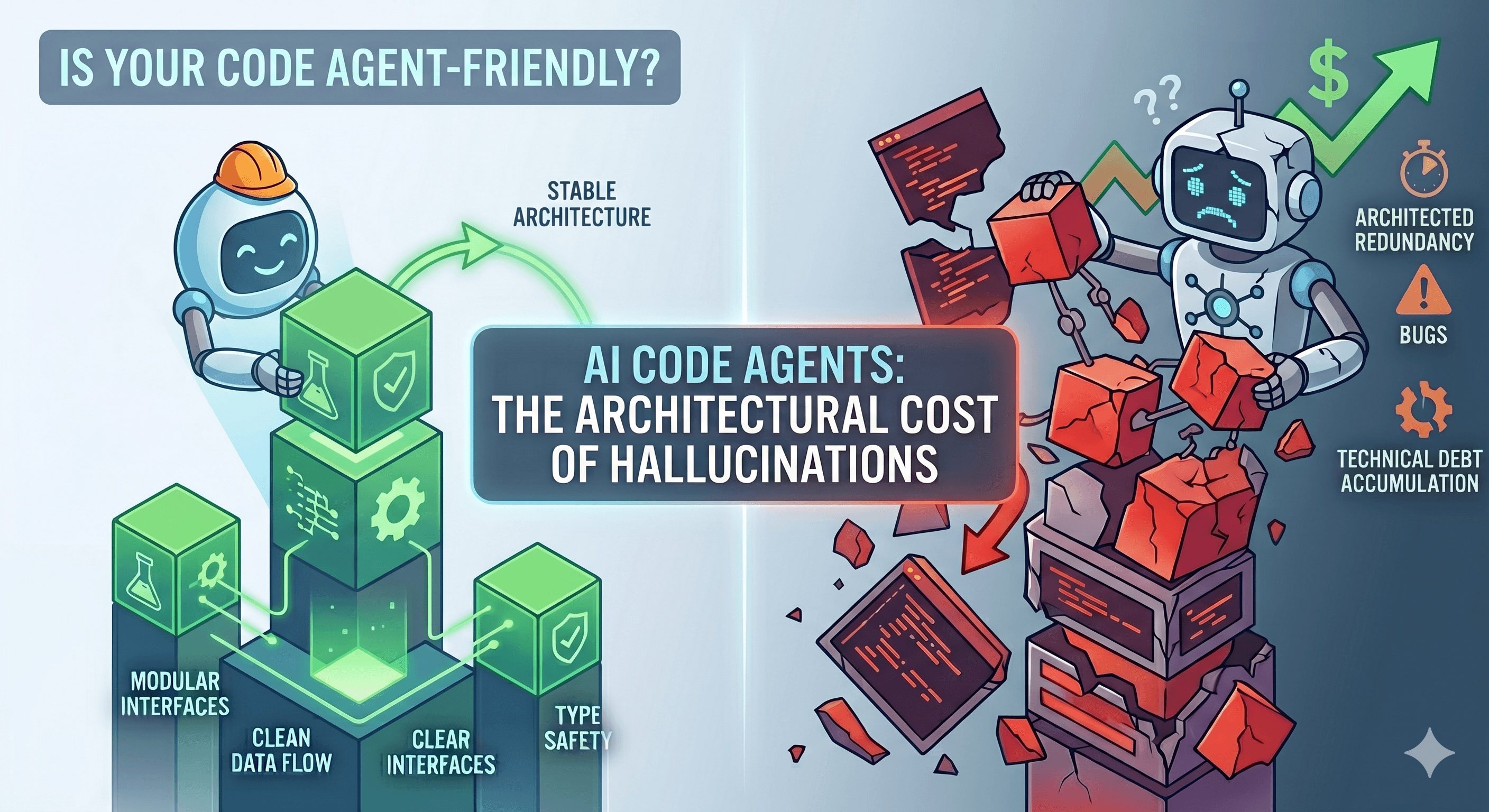
The biggest bottleneck in AI today is not intelligence; it is context. An agent that doesn't know about your `BLC_Initial.cs` or your database schema will inevitably hallucinate. Linux AI Engineering solves this by giving the agent the ability to "explore" the codebase autonomously. Instead of you explaining the architecture, the agent uses `ls -R`, `cat`, and `grep` to build its own mental model of your project.
We saw the power of this approach during our Weekend Migration Case Study. By running agents inside a Linux-based container, we allowed them to analyze 50,000 lines of code, map dependencies, and run unit tests in parallel. The agent wasn't just "writing code"; it was interacting with the environment to verify its own work. This "Act-and-Verify" loop is the hallmark of a senior-level workflow.
3) The "Rule of 4": Practical Linux AI Engineering Use Cases
To truly understand the value of this mindset, we must look at how it transforms daily engineering tasks. Here are four distinct ways Linux AI Engineering is being used by top-tier architects today:
Autonomous Codebase Archaeology: Using agents to traverse `git log` and `blame` to reconstruct the "why" behind undocumented legacy decisions.
Self-Healing Infrastructure: Writing `systemd` services that monitor application logs via `journalctl` and trigger agents to fix firewall rules or clear "zombie" processes autonomously.
Massive Scale Refactoring: Directing agents to use `find` and `sed` to replace deprecated API patterns across thousands of files, followed by an automated build and test cycle.
Production Debugging: Allowing agents to safely "shell into" isolated staging containers to perform root-cause analysis on I/O bottlenecks using `lsof` and `iotop`.
The Linux Foundation, which maintains the standards for modern computing at LinuxFoundation.org, has always championed the power of open-source automation. In 2026, that automation has a brain. But remember: the brain is useless without the tools. If you want to lead the next decade of engineering, you cannot afford to be "terminal shy." You must master the infrastructure that makes AI possible. The future of software isn't just written in C# or Python—it is orchestrated in the Linux Shell.
In early 2024, the world was obsessed with "Prompt Engineering"—the art of whispering the right words into a web-based chat box. By 2026, that skill has been relegated to the hobbyists. For the senior professional, the frontier has moved to Linux AI Engineering. We no longer treat AI as a "magic box" we talk to; we treat it as a high-speed worker that lives inside our infrastructure. And for an AI agent to be truly effective, it needs the most powerful, flexible, and context-rich environment ever created: the Linux Command Line.
If you are still copy-pasting code from a browser into your IDE, you are paying a "context tax" that is killing your productivity. As we explored in our guide to the AI Developer Agent Workflow, the shift toward autonomous agents requires a bridge between the model's intelligence and your project's physical files. That bridge is the terminal. When you master Linux AI Engineering, you stop being a passenger in the AI revolution and start being the driver of an automated engineering factory.
1) The Unix Philosophy: The Perfect API for AI
The core philosophy of Linux—"Write programs that do one thing and do it well. Write programs to work together. Write programs to handle text streams"—is exactly how Large Language Models (LLMs) think. An AI agent doesn't want to navigate a complex Graphical User Interface (GUI); it wants a clean, text-based stream of information. This is why the shell is the natural habitat for professional agents. By providing an agent with access to standard tools like `grep`, `find`, and `sed`, you are giving it "eyes" and "hands" that are far more precise than any mouse-driven interface.
In our Linux Mastery: Full Course, we teach students that the terminal isn't just for running commands; it's for building pipelines. In the context of Linux AI Engineering, these pipelines now include "Cognitive Nodes." You can pipe a list of legacy files into an agent, have it identify security vulnerabilities using `strace`, and then have it apply surgical fixes directly to the file system. This level of orchestration is only possible when you understand the underlying operating system.
2) Context Management: The Agent's Greatest Challenge
The biggest bottleneck in AI today is not intelligence; it is context. An agent that doesn't know about your `BLC_Initial.cs` or your database schema will inevitably hallucinate. Linux AI Engineering solves this by giving the agent the ability to "explore" the codebase autonomously. Instead of you explaining the architecture, the agent uses `ls -R`, `cat`, and `grep` to build its own mental model of your project.
We saw the power of this approach during our Weekend Migration Case Study. By running agents inside a Linux-based container, we allowed them to analyze 50,000 lines of code, map dependencies, and run unit tests in parallel. The agent wasn't just "writing code"; it was interacting with the environment to verify its own work. This "Act-and-Verify" loop is the hallmark of a senior-level workflow.
3) The "Rule of 4": Practical Linux AI Engineering Use Cases
To truly understand the value of this mindset, we must look at how it transforms daily engineering tasks. Here are four distinct ways Linux AI Engineering is being used by top-tier architects today:
Autonomous Codebase Archaeology: Using agents to traverse `git log` and `blame` to reconstruct the "why" behind undocumented legacy decisions.
Self-Healing Infrastructure: Writing `systemd` services that monitor application logs via `journalctl` and trigger agents to fix firewall rules or clear "zombie" processes autonomously.
Massive Scale Refactoring: Directing agents to use `find` and `sed` to replace deprecated API patterns across thousands of files, followed by an automated build and test cycle.
Production Debugging: Allowing agents to safely "shell into" isolated staging containers to perform root-cause analysis on I/O bottlenecks using `lsof` and `iotop`.
The Linux Foundation, which maintains the standards for modern computing at LinuxFoundation.org, has always championed the power of open-source automation. In 2026, that automation has a brain. But remember: the brain is useless without the tools. If you want to lead the next decade of engineering, you cannot afford to be "terminal shy." You must master the infrastructure that makes AI possible. The future of software isn't just written in C# or Python—it is orchestrated in the Linux Shell.