AI & Engineering / Career
Beyond the 'Hello World' of AI: Why the Real Power of AI Assistants is in Your Legacy Code
Stop using AI to generate boilerplate for new projects. Learn why using AI as a 'Codebase Investigator' for existing systems is the ultimate senior developer move in 2026.
Written by

Codehouse Author

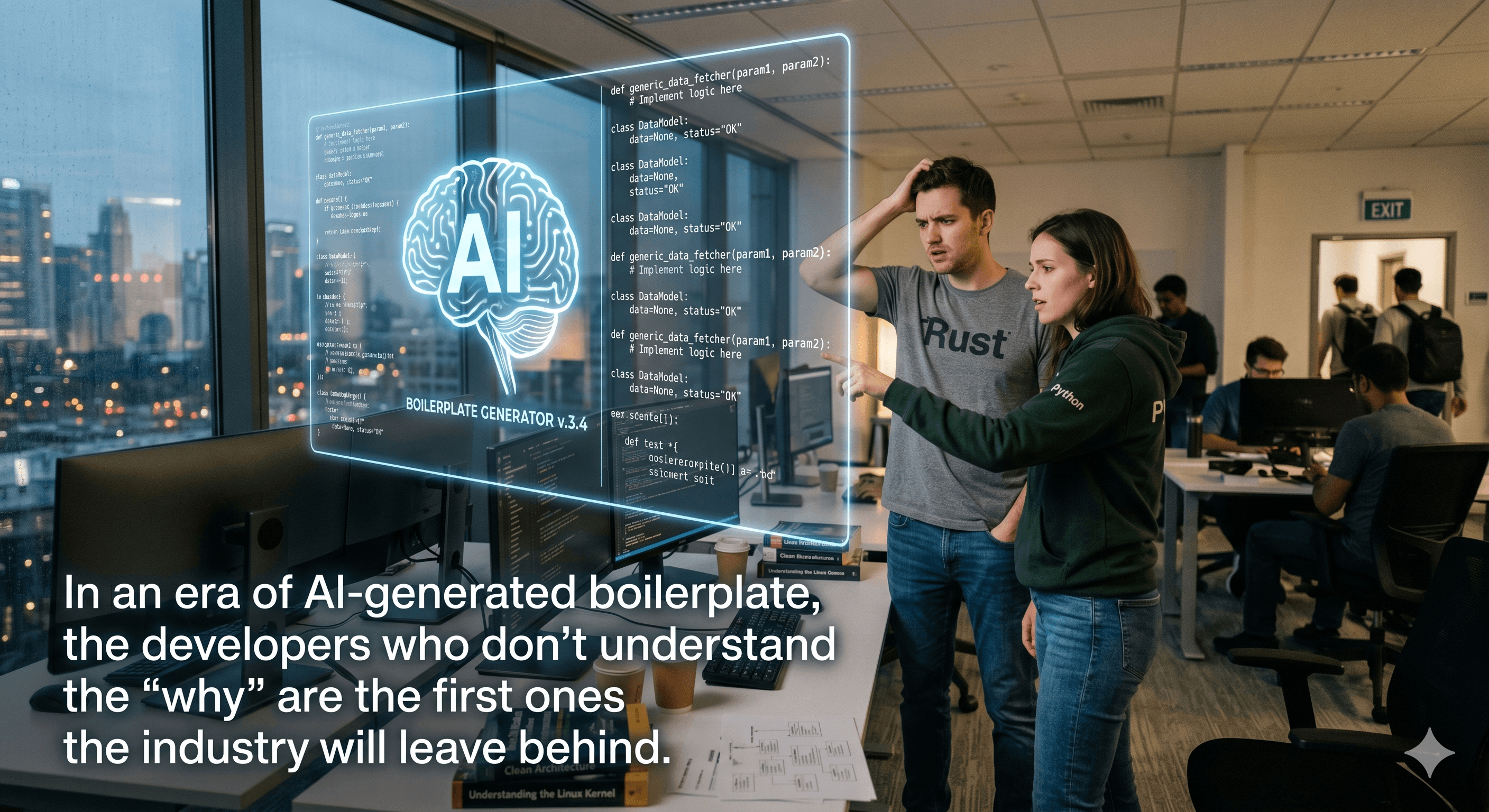
If you browse social media today, the narrative around AI is dominated by "build an app in 5 minutes." While impressive, this "Greenfield" obsession misses the point of professional software engineering. In the real world, 90% of our time is spent navigating, fixing, and extending existing systems. This is where a professional AI Code Assistant Legacy strategy separates senior engineers from those just chasing the latest hype.
As we highlighted in our Full-Stack Roadmap for 2026, the ability to learn faster with AI is a core skill. However, the true Return on Investment (ROI) isn't found in generating a standard Express.js boilerplate; it is found in the "archaeology" of a 10-year-old monolith where the original authors have long since left the company.
1) From "Code Generator" to "Codebase Investigator"
Juniors treat an AI assistant like a vending machine: they put in a prompt and expect a finished function. Seniors treat the AI Code Assistant Legacy as a high-speed research partner. When you are dropped into a project with 500k lines of code, your biggest bottleneck isn't typing speed—it's mental mapping.
Context Mapping: Instead of asking AI to "write a function," ask it to "map the data flow from the API endpoint down to the DALC." This is a crucial step in maintaining Clean Architecture principles in older systems.
Identifying Side Effects: One of the most dangerous parts of working on legacy code is the "ripple effect." AI can quickly scan dependencies to tell you if changing a specific utility class will break an obscure reporting module three layers deep.
Deciphering "Tribal Knowledge": Often, legacy code contains "hacks" that were never documented. An AI can help identify these patterns by comparing them to standard industry practices, effectively acting as a translator for the developer who wrote it in 2014.
2) Modernization over Recreation
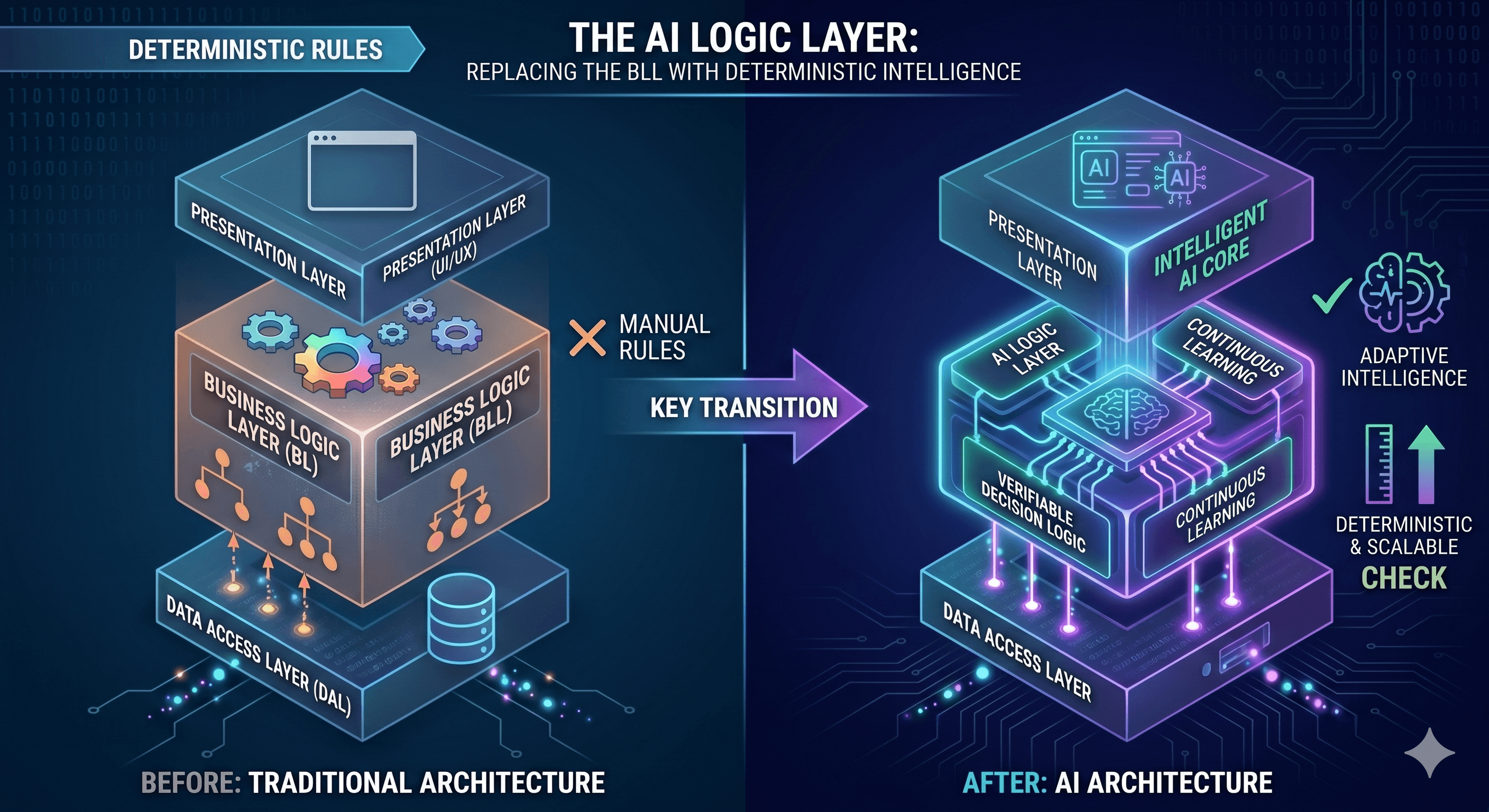
There is a common temptation to "rewrite it from scratch" because the old code is messy. This is almost always a business mistake. A better approach is "Surgical Refactoring" using your AI Code Assistant Legacy. By feeding the AI specific segments of your BLC (Business Logic Layer), you can ask it to propose modern equivalents without changing the behavioral contract.
For example, we often use AI to help migrate legacy .NET 4.8 logic into .NET 8, as we explored in our .NET Performance Guide. The AI doesn't just "rewrite" the code; it helps identify which parts of the old logic are now redundant due to native framework improvements like Span<T> or improved Task handling. This ensures that you aren't just moving technical debt from one version to another, but actually paying it down.
3) Building the "Safety Net" for Brownfield Projects
The biggest fear when touching a AI Code Assistant Legacy project is breaking what already works. Most legacy systems suffer from poor test coverage. AI is the ultimate tool for generating "Characterization Tests"—tests that describe the current behavior of the system before you try to change it.
By using tools like GitHub Copilot or specialized CLI agents, you can generate a suite of unit tests for an existing, undocumented class in minutes. This provides the "Safety Net" required to perform the high-level optimizations we discuss in our Production API Checklist. You move from "I hope this works" to "I have verified this works," even in a codebase you didn't write.
In 2026, being a "Full Stack" developer means being "Full History" as well. Embracing AI in the context of existing, messy, and complex projects isn't just a productivity hack—it's a career-defining shift. It allows you to become the engineer who can walk into any situation, regardless of the technology's age, and bring immediate clarity and modernization. Stop building new toys and start mastering the systems that actually run the world.
If you browse social media today, the narrative around AI is dominated by "build an app in 5 minutes." While impressive, this "Greenfield" obsession misses the point of professional software engineering. In the real world, 90% of our time is spent navigating, fixing, and extending existing systems. This is where a professional AI Code Assistant Legacy strategy separates senior engineers from those just chasing the latest hype.
As we highlighted in our Full-Stack Roadmap for 2026, the ability to learn faster with AI is a core skill. However, the true Return on Investment (ROI) isn't found in generating a standard Express.js boilerplate; it is found in the "archaeology" of a 10-year-old monolith where the original authors have long since left the company.
1) From "Code Generator" to "Codebase Investigator"
Juniors treat an AI assistant like a vending machine: they put in a prompt and expect a finished function. Seniors treat the AI Code Assistant Legacy as a high-speed research partner. When you are dropped into a project with 500k lines of code, your biggest bottleneck isn't typing speed—it's mental mapping.
Context Mapping: Instead of asking AI to "write a function," ask it to "map the data flow from the API endpoint down to the DALC." This is a crucial step in maintaining Clean Architecture principles in older systems.
Identifying Side Effects: One of the most dangerous parts of working on legacy code is the "ripple effect." AI can quickly scan dependencies to tell you if changing a specific utility class will break an obscure reporting module three layers deep.
Deciphering "Tribal Knowledge": Often, legacy code contains "hacks" that were never documented. An AI can help identify these patterns by comparing them to standard industry practices, effectively acting as a translator for the developer who wrote it in 2014.
2) Modernization over Recreation
There is a common temptation to "rewrite it from scratch" because the old code is messy. This is almost always a business mistake. A better approach is "Surgical Refactoring" using your AI Code Assistant Legacy. By feeding the AI specific segments of your BLC (Business Logic Layer), you can ask it to propose modern equivalents without changing the behavioral contract.
For example, we often use AI to help migrate legacy .NET 4.8 logic into .NET 8, as we explored in our .NET Performance Guide. The AI doesn't just "rewrite" the code; it helps identify which parts of the old logic are now redundant due to native framework improvements like Span<T> or improved Task handling. This ensures that you aren't just moving technical debt from one version to another, but actually paying it down.
3) Building the "Safety Net" for Brownfield Projects
The biggest fear when touching a AI Code Assistant Legacy project is breaking what already works. Most legacy systems suffer from poor test coverage. AI is the ultimate tool for generating "Characterization Tests"—tests that describe the current behavior of the system before you try to change it.
By using tools like GitHub Copilot or specialized CLI agents, you can generate a suite of unit tests for an existing, undocumented class in minutes. This provides the "Safety Net" required to perform the high-level optimizations we discuss in our Production API Checklist. You move from "I hope this works" to "I have verified this works," even in a codebase you didn't write.
In 2026, being a "Full Stack" developer means being "Full History" as well. Embracing AI in the context of existing, messy, and complex projects isn't just a productivity hack—it's a career-defining shift. It allows you to become the engineer who can walk into any situation, regardless of the technology's age, and bring immediate clarity and modernization. Stop building new toys and start mastering the systems that actually run the world.