DevOps / AI
Beyond Local Terminals: Scaling AI Automation with Gemini CLI and GitHub Actions
Turn your CI/CD pipeline into an autonomous agent. Learn how to trigger Gemini CLI for code reviews, documentation, and automated refactoring.
Written by

Codehouse Author
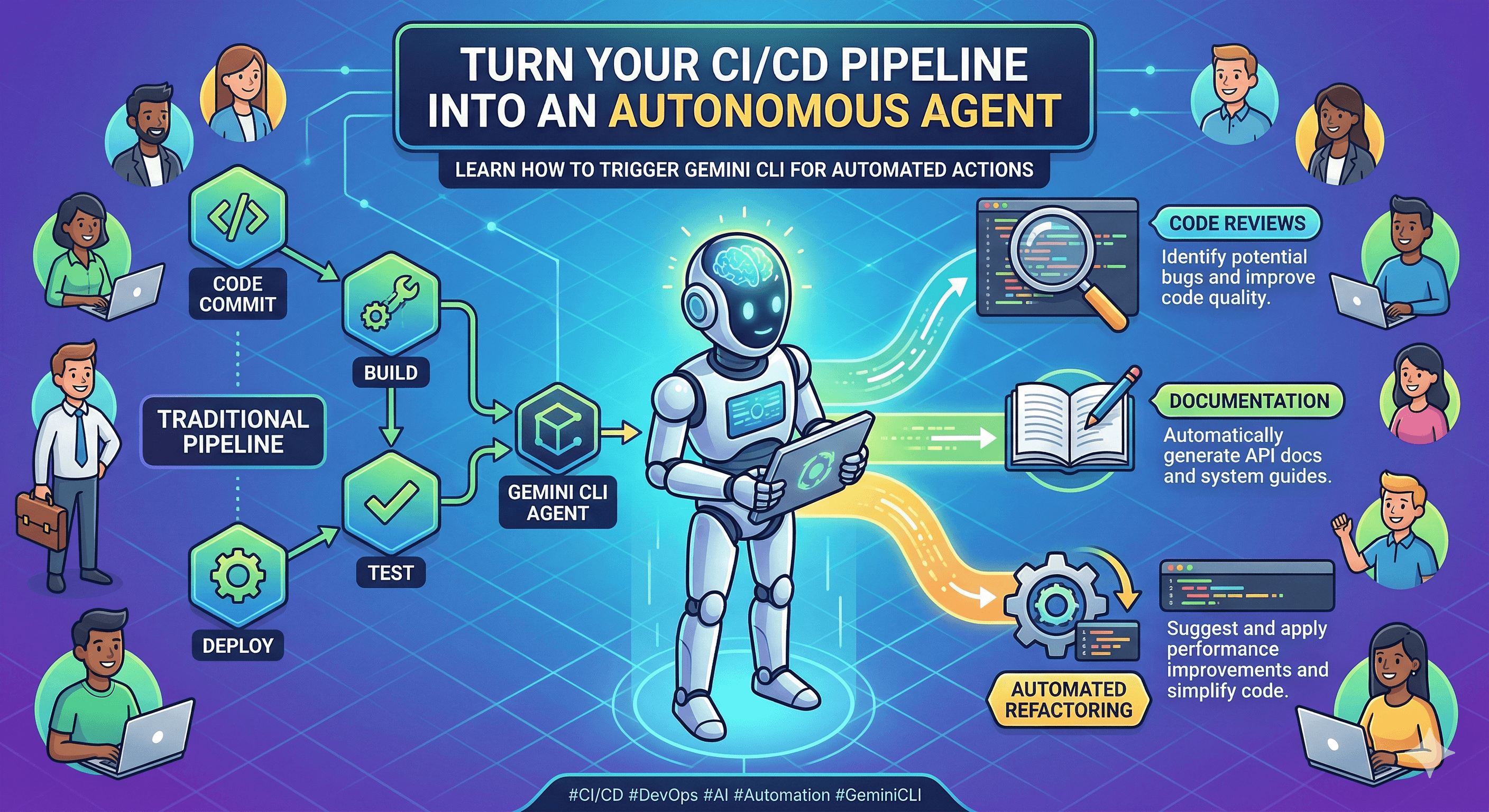
The true power of an AI assistant isn't just in its ability to answer questions in a chat window; it's in its ability to act as a tireless, 24/7 member of your engineering team. While running Gemini CLI on your local machine is a game-changer for daily productivity, the real "Senior-Level" play is moving that intelligence into your CI/CD pipeline. By integrating Gemini CLI with GitHub Actions, you transform your repository from a static code store into an active, self-correcting ecosystem.
If your CI pipeline is only running unit tests and linters, you are missing the "Intelligence Layer" of modern DevOps. As we explored in our post on Automating Daily Dev Tasks with AI, the goal is to offload high-friction work. Integrating Gemini CLI into GitHub Actions is the ultimate expression of that philosophy.
1) The "Autonomous CI" Mindset
Traditional CI is reactive—it tells you if you broke something. AI-powered CI is proactive—it helps you improve it. By using the Gemini CLI within a GitHub Actions workflow, you can trigger complex reasoning tasks every time a developer pushes code. This isn't just about finding bugs; it's about enforcing architectural standards, generating context-aware documentation, and even proposing refactors before a human reviewer even opens the Pull Request.
2) Implementation: Bringing the CLI to the Cloud
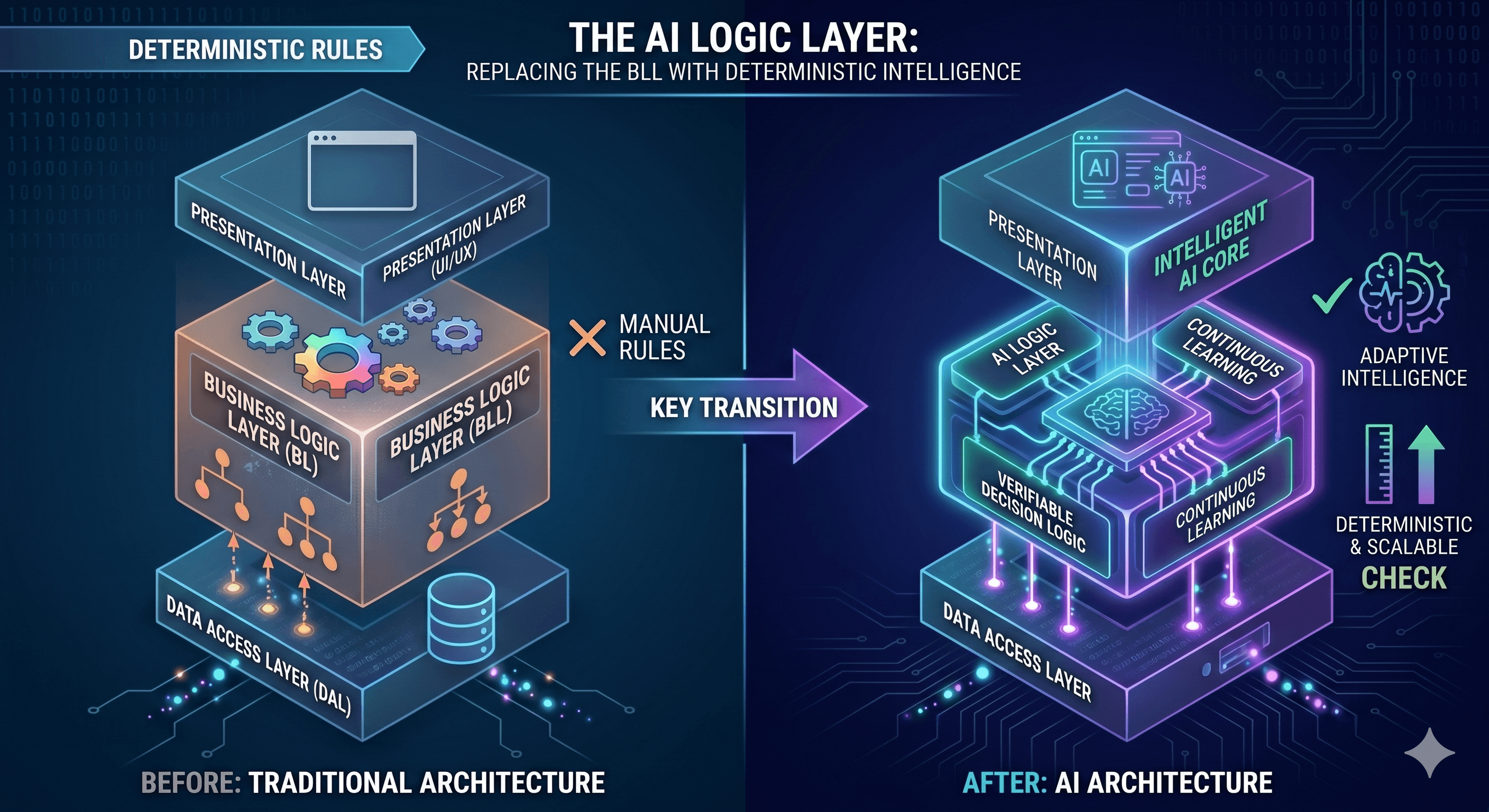
Setting up Gemini CLI in a GitHub Action is straightforward but requires a focus on security. By storing your API key in GitHub Secrets and using a standard Ubuntu runner, you can execute Gemini commands as part of your `jobs` definition. The CLI’s ability to "think" through a directory structure makes it uniquely suited for this environment, as it can analyze the relationship between your DALC (Data Access) and BLC (Business Logic) layers without needing a massive, pre-indexed database.
3) Use Case: Automated Architectural Audits
One of the biggest challenges in large-scale projects is "Architectural Drift." Over time, logic that belongs in the BLC might leak into the API or DALC layers. You can configure a GitHub Action to use Gemini CLI to audit every PR specifically for these violations. If the AI detects a direct database call in the API layer, it can fail the build or leave a comment, ensuring that your Gemini API powered "Architect" is always watching the gate.
4) Use Case: Live Documentation Sync
We’ve all seen it: a developer updates a critical service, but the README and the Swagger docs remain untouched. With Gemini CLI in your pipeline, you can automate the "Sync" process. The AI can analyze the code changes, determine the impact on the public API, and automatically generate a commit with updated documentation. This ensures your project’s "Live Source of Truth" never falls behind the actual implementation.
5) Governance and the "Human-in-the-Loop"
While the goal is autonomy, a senior engineer knows that AI should augment, not replace, human judgment. In an automated GitHub Actions workflow, Gemini CLI should be treated as an Expert Advisor. Use it to generate suggestions, perform initial audits, and handle the "boring" parts of code review, but always require a human signature for final merges. This creates a "Safety Net" that allows you to move faster without sacrificing the technical integrity of your system.
The true power of an AI assistant isn't just in its ability to answer questions in a chat window; it's in its ability to act as a tireless, 24/7 member of your engineering team. While running Gemini CLI on your local machine is a game-changer for daily productivity, the real "Senior-Level" play is moving that intelligence into your CI/CD pipeline. By integrating Gemini CLI with GitHub Actions, you transform your repository from a static code store into an active, self-correcting ecosystem.
If your CI pipeline is only running unit tests and linters, you are missing the "Intelligence Layer" of modern DevOps. As we explored in our post on Automating Daily Dev Tasks with AI, the goal is to offload high-friction work. Integrating Gemini CLI into GitHub Actions is the ultimate expression of that philosophy.
1) The "Autonomous CI" Mindset
Traditional CI is reactive—it tells you if you broke something. AI-powered CI is proactive—it helps you improve it. By using the Gemini CLI within a GitHub Actions workflow, you can trigger complex reasoning tasks every time a developer pushes code. This isn't just about finding bugs; it's about enforcing architectural standards, generating context-aware documentation, and even proposing refactors before a human reviewer even opens the Pull Request.
2) Implementation: Bringing the CLI to the Cloud
Setting up Gemini CLI in a GitHub Action is straightforward but requires a focus on security. By storing your API key in GitHub Secrets and using a standard Ubuntu runner, you can execute Gemini commands as part of your `jobs` definition. The CLI’s ability to "think" through a directory structure makes it uniquely suited for this environment, as it can analyze the relationship between your DALC (Data Access) and BLC (Business Logic) layers without needing a massive, pre-indexed database.
3) Use Case: Automated Architectural Audits
One of the biggest challenges in large-scale projects is "Architectural Drift." Over time, logic that belongs in the BLC might leak into the API or DALC layers. You can configure a GitHub Action to use Gemini CLI to audit every PR specifically for these violations. If the AI detects a direct database call in the API layer, it can fail the build or leave a comment, ensuring that your Gemini API powered "Architect" is always watching the gate.
4) Use Case: Live Documentation Sync
We’ve all seen it: a developer updates a critical service, but the README and the Swagger docs remain untouched. With Gemini CLI in your pipeline, you can automate the "Sync" process. The AI can analyze the code changes, determine the impact on the public API, and automatically generate a commit with updated documentation. This ensures your project’s "Live Source of Truth" never falls behind the actual implementation.
5) Governance and the "Human-in-the-Loop"
While the goal is autonomy, a senior engineer knows that AI should augment, not replace, human judgment. In an automated GitHub Actions workflow, Gemini CLI should be treated as an Expert Advisor. Use it to generate suggestions, perform initial audits, and handle the "boring" parts of code review, but always require a human signature for final merges. This creates a "Safety Net" that allows you to move faster without sacrificing the technical integrity of your system.