Backend Engineering / Backend Fundamentals
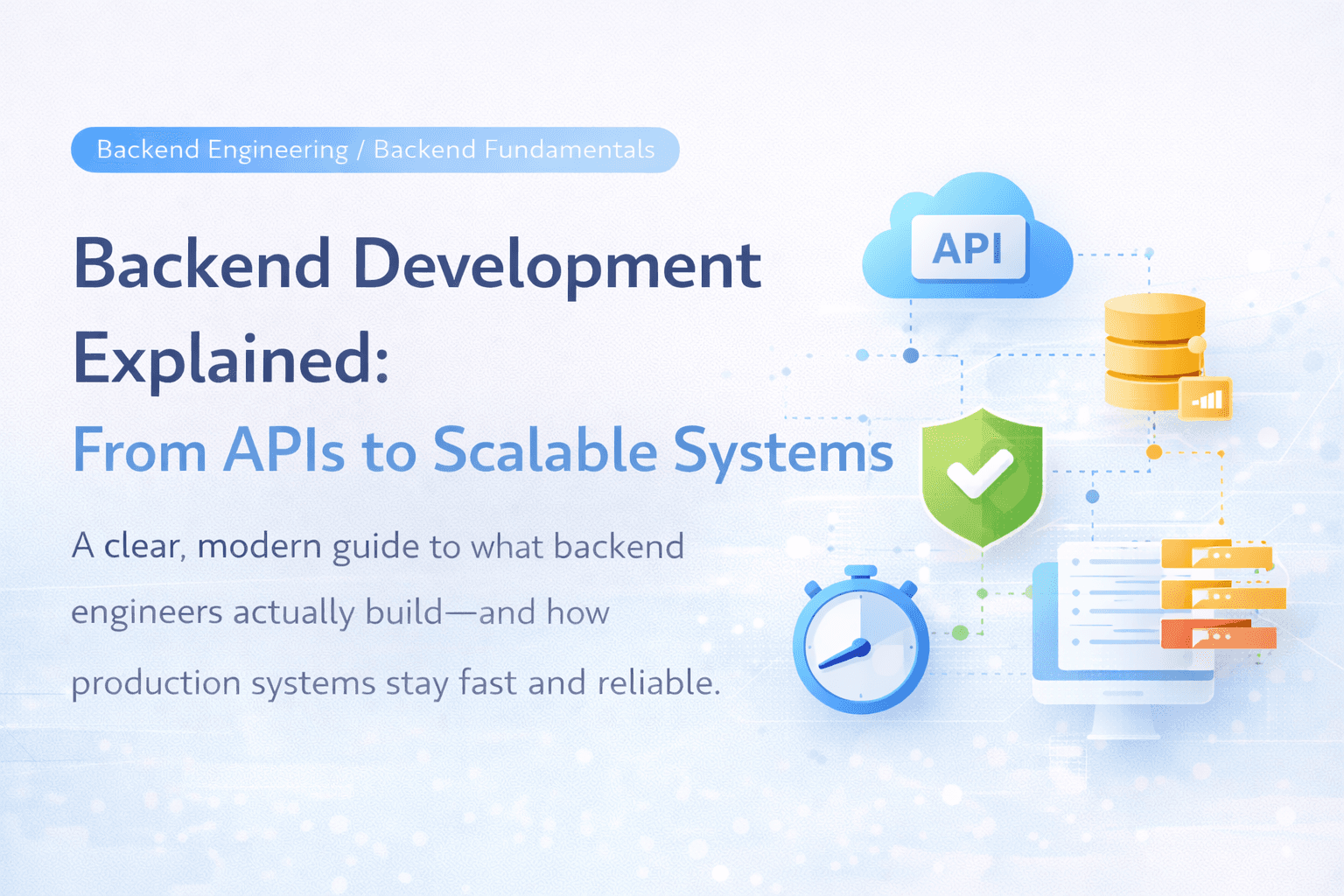
Backend Development Explained: From APIs to Scalable Systems
A clear, modern guide to what backend engineers actually build—and how production systems stay fast and reliable.
Written by

Codehouse Author
When people say “backend,” they usually mean “the API.” But backend development is bigger than that. The backend is the system that makes the product work—even when thousands of users are clicking at the same time.
If the frontend is what users see, the backend is what users trust: logins, payments, data, permissions, speed, and stability.
1) What backend development actually is
Backend development is the work of building and maintaining the server-side of an application, including:
Business logic: rules like pricing, permissions, workflows, validations
Data management: storing and retrieving data (databases, indexing, queries)
Security: authentication and authorization
Performance: fast responses and efficient resource use
Reliability: graceful failure handling, recovery, and monitoring
A backend engineer thinks less about “does it run?” and more about “does it run safely, consistently, and predictably in production?”
2) APIs: the front door of your backend
An API (Application Programming Interface) is how the frontend talks to your backend. Most commonly, you’ll see:
REST APIs: simple endpoints like
GET /productsorPOST /ordersGraphQL APIs: clients request exactly the fields they need
gRPC: fast service-to-service communication (common in microservices)
What matters is not the style—it’s the contract:
What requests are allowed?
What responses are guaranteed?
What errors can happen?
How do you version changes without breaking clients?
3) The backend “core loop”: request → logic → data → response
Most backend work repeats this loop:
A request hits the server
You validate inputs
You check permissions
You run business logic
You read/write the database
You return a response (or an error)
A production backend makes every step consistent and traceable, because that’s what makes debugging possible later.
4) Databases: where most performance problems are born
Databases aren’t just storage. They’re often the bottleneck.
Backend developers need to understand:
SQL basics: tables, relationships, joins, indexes
Query design: “fast enough” queries vs “slow under load” queries
Constraints: data correctness isn’t optional in production
Transactions: protecting critical operations (like payments or stock)
A good backend isn’t just “correct”—it’s correct under stress.
5) Authentication vs authorization (a common confusion)
Authentication: Who are you? (login / identity)
Authorization: What are you allowed to do? (permissions / roles)
Production backends treat authorization as a first-class feature: every protected action should have a clear rule.
The mistakes usually happen when teams assume “if the user is logged in, they can do it.” In production, you need clean permission boundaries.
6) Scaling: what changes when traffic increases
At low traffic, almost anything works. At real traffic, systems fail in predictable ways:
slow database queries
repeated expensive calculations
large payloads
too many calls to external services
bottlenecks caused by “one shared resource”
Scalable backends rely on a few key patterns:
Caching
Store frequently used results so you don’t repeat expensive work. Examples:
caching product lists
caching user permissions
caching reference data
Queues & background jobs
Not every task should happen during a request. Move heavy work to background jobs:
sending emails/SMS
generating PDFs
image processing
syncing data to other systems
Rate limiting & timeouts
Protect your system and upstream services:
limit requests per user
enforce deadlines so slow calls don’t pile up
7) Observability: the difference between guessing and knowing
In production, things will break. The question is how quickly you can understand what happened.
A production backend uses:
Logs: what happened?
Metrics: how healthy is the system? (latency, error rate, throughput)
Traces: where is time spent across services?
This is how teams debug incidents quickly instead of “trying random fixes.”
8) The backend skill ladder (what to learn next)
If you’re learning backend, here’s a clean progression:
Build a simple REST API + CRUD
Add validation + consistent error responses
Connect a real SQL database + learn indexing
Add authentication + authorization rules
Add caching and pagination
Add background jobs with a queue
Add logging/metrics/tracing basics
Deploy and monitor your service like a real product
Final takeaway
Backend development is the craft of building systems that don’t just work once—but work reliably for real users, at real scale, with real failure conditions.
If you understand APIs, data, security, and operability, you’re already thinking like a backend engineer.
When people say “backend,” they usually mean “the API.” But backend development is bigger than that. The backend is the system that makes the product work—even when thousands of users are clicking at the same time.
If the frontend is what users see, the backend is what users trust: logins, payments, data, permissions, speed, and stability.
1) What backend development actually is
Backend development is the work of building and maintaining the server-side of an application, including:
Business logic: rules like pricing, permissions, workflows, validations
Data management: storing and retrieving data (databases, indexing, queries)
Security: authentication and authorization
Performance: fast responses and efficient resource use
Reliability: graceful failure handling, recovery, and monitoring
A backend engineer thinks less about “does it run?” and more about “does it run safely, consistently, and predictably in production?”
2) APIs: the front door of your backend
An API (Application Programming Interface) is how the frontend talks to your backend. Most commonly, you’ll see:
REST APIs: simple endpoints like
GET /productsorPOST /ordersGraphQL APIs: clients request exactly the fields they need
gRPC: fast service-to-service communication (common in microservices)
What matters is not the style—it’s the contract:
What requests are allowed?
What responses are guaranteed?
What errors can happen?
How do you version changes without breaking clients?
3) The backend “core loop”: request → logic → data → response
Most backend work repeats this loop:
A request hits the server
You validate inputs
You check permissions
You run business logic
You read/write the database
You return a response (or an error)
A production backend makes every step consistent and traceable, because that’s what makes debugging possible later.
4) Databases: where most performance problems are born
Databases aren’t just storage. They’re often the bottleneck.
Backend developers need to understand:
SQL basics: tables, relationships, joins, indexes
Query design: “fast enough” queries vs “slow under load” queries
Constraints: data correctness isn’t optional in production
Transactions: protecting critical operations (like payments or stock)
A good backend isn’t just “correct”—it’s correct under stress.
5) Authentication vs authorization (a common confusion)
Authentication: Who are you? (login / identity)
Authorization: What are you allowed to do? (permissions / roles)
Production backends treat authorization as a first-class feature: every protected action should have a clear rule.
The mistakes usually happen when teams assume “if the user is logged in, they can do it.” In production, you need clean permission boundaries.
6) Scaling: what changes when traffic increases
At low traffic, almost anything works. At real traffic, systems fail in predictable ways:
slow database queries
repeated expensive calculations
large payloads
too many calls to external services
bottlenecks caused by “one shared resource”
Scalable backends rely on a few key patterns:
Caching
Store frequently used results so you don’t repeat expensive work. Examples:
caching product lists
caching user permissions
caching reference data
Queues & background jobs
Not every task should happen during a request. Move heavy work to background jobs:
sending emails/SMS
generating PDFs
image processing
syncing data to other systems
Rate limiting & timeouts
Protect your system and upstream services:
limit requests per user
enforce deadlines so slow calls don’t pile up
7) Observability: the difference between guessing and knowing
In production, things will break. The question is how quickly you can understand what happened.
A production backend uses:
Logs: what happened?
Metrics: how healthy is the system? (latency, error rate, throughput)
Traces: where is time spent across services?
This is how teams debug incidents quickly instead of “trying random fixes.”
8) The backend skill ladder (what to learn next)
If you’re learning backend, here’s a clean progression:
Build a simple REST API + CRUD
Add validation + consistent error responses
Connect a real SQL database + learn indexing
Add authentication + authorization rules
Add caching and pagination
Add background jobs with a queue
Add logging/metrics/tracing basics
Deploy and monitor your service like a real product
Final takeaway
Backend development is the craft of building systems that don’t just work once—but work reliably for real users, at real scale, with real failure conditions.
If you understand APIs, data, security, and operability, you’re already thinking like a backend engineer.