Career / AI
Stop Wasting Time: How to Automate Your Daily Dev Tasks with AI Assistants
AI isn't just for writing functions. Learn the 'Senior Workflow' for automating documentation, testing, and repetitive terminal tasks.
Written by

Codehouse Author
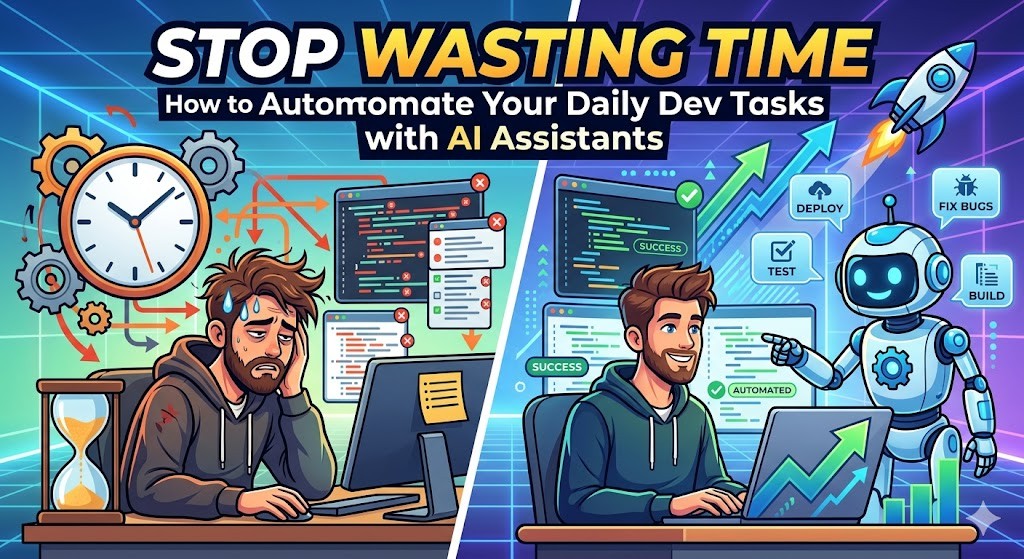
In 2026, the gap between a "Junior with an AI" and a "Senior with an AI" isn't about who can generate a React component faster. It’s about AI Code Assistant Automation—the ability to offload the repetitive, high-friction tasks that usually drain a developer’s mental energy. While many use AI as a fancy "copy-paste" tool, senior engineers use it as an automation engine for their entire workflow.
If you are still manually writing boilerplate unit tests or struggle to remember complex `find` and `sed` commands in the terminal, you are working harder, not smarter. As we emphasize in our Linux Mastery: Full Course, the terminal is your power center, and AI is the ultimate navigator for that power.
1) Automating the "Boring" Documentation
One of the biggest time-sinks in any professional project is maintaining up-to-date documentation. Whether it’s README files, API specifications, or internal "How-To" guides, these tasks often fall behind. A senior approach to AI involves feeding the assistant your raw logic and asking it to generate structured documentation that follows your team’s standards.
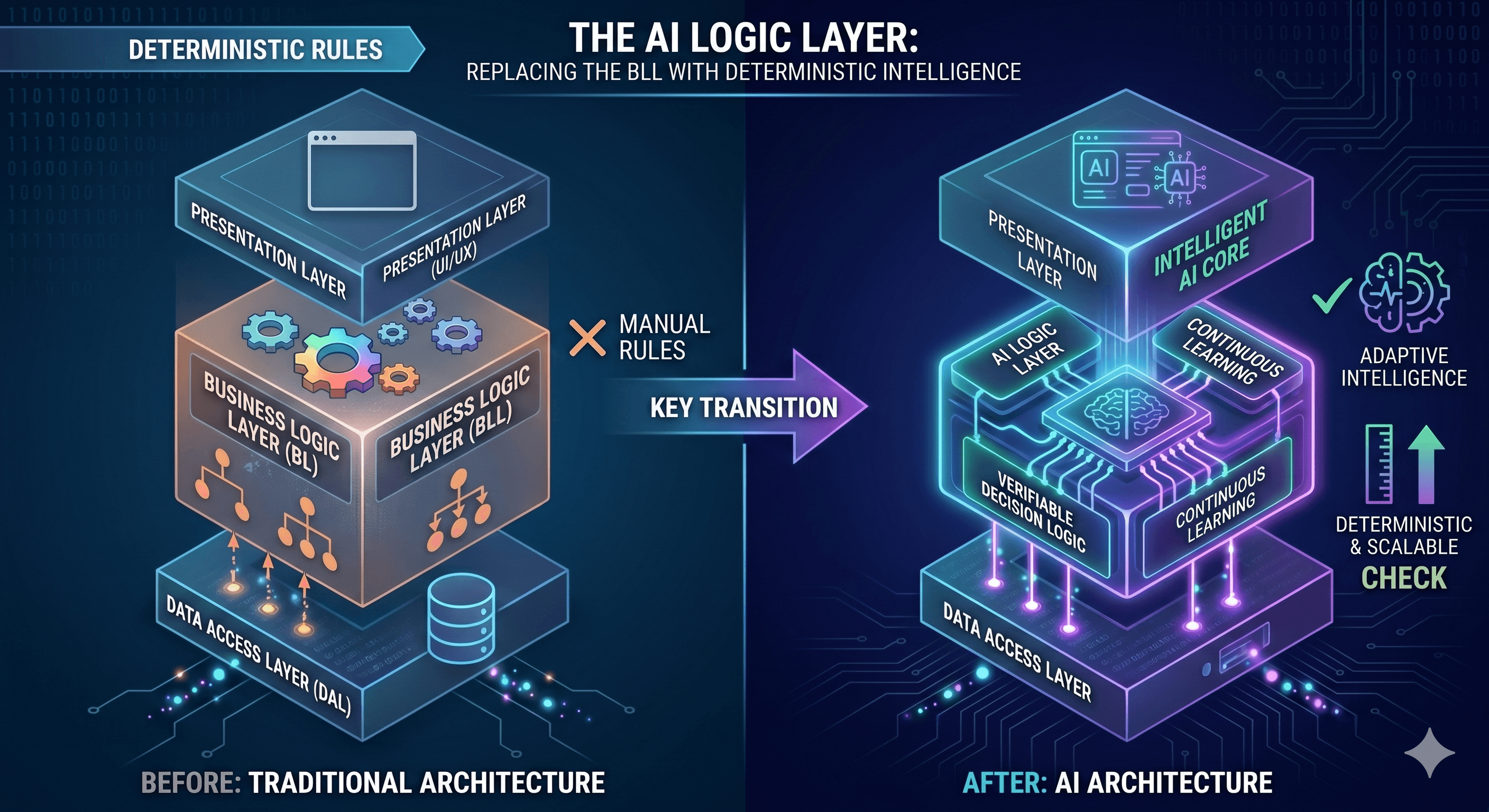
For example, instead of manually updating a Swagger doc, you can use tools like Cursor to analyze your BLC (Business Logic) changes and automatically propose the necessary updates to your API contracts. This ensures that your documentation remains a "Live Source of Truth" rather than a stale artifact.
2) The Terminal: Your AI-Powered Command Center
Automating daily tasks often means stringing together complex shell commands. Many developers waste 15 minutes searching StackOverflow for the right `awk` syntax to parse a log file. With modern AI assistants, you can describe the transformation you need in plain English, and have it generate a one-liner that you can then verify and run.
This is where mastery of the shell becomes critical. You can't safely automate what you don't understand. By understanding the underlying Linux features—as we discussed in our post about how Docker is Not Magic—you can use AI to build complex automation scripts for deployments, log rotation, and system monitoring without the risk of "black box" failures.
3) Generating "Bulletproof" Test Suites
Writing tests is often seen as a chore, which leads to poor coverage and fragile production code. AI assistants excel at generating "Characterization Tests"—tests that describe how the current code actually behaves. This is a game-changer when refactoring legacy systems or ensuring your code meets the standards in our Production API Checklist.
Edge Case Detection: Ask your AI to "find 3 ways this input could break the logic" and generate tests for them.
Mocking Boilerplate: Let the AI handle the tedious setup of dependency injection and mock objects.
Integration Scenarios: Use AI to simulate complex data flows between your DALC (Data Access) and BLC layers.
4) Contextual Refactoring at Scale
Finally, senior developers use AI to perform "Surgical Refactoring." Instead of manually changing a pattern across 50 files, you can define the transformation once and use the assistant to apply it contextually. This isn't a simple "Find and Replace"; it’s an intelligent update that understands variable scopes and type safety.
By delegating these high-volume, low-context tasks to an AI, you free up your "Architectural Mind" to focus on system design, performance bottlenecks, and security. Automation isn't about replacing the engineer; it's about upgrading the engineer to a conductor of an automated orchestra.
In 2026, the gap between a "Junior with an AI" and a "Senior with an AI" isn't about who can generate a React component faster. It’s about AI Code Assistant Automation—the ability to offload the repetitive, high-friction tasks that usually drain a developer’s mental energy. While many use AI as a fancy "copy-paste" tool, senior engineers use it as an automation engine for their entire workflow.
If you are still manually writing boilerplate unit tests or struggle to remember complex `find` and `sed` commands in the terminal, you are working harder, not smarter. As we emphasize in our Linux Mastery: Full Course, the terminal is your power center, and AI is the ultimate navigator for that power.
1) Automating the "Boring" Documentation
One of the biggest time-sinks in any professional project is maintaining up-to-date documentation. Whether it’s README files, API specifications, or internal "How-To" guides, these tasks often fall behind. A senior approach to AI involves feeding the assistant your raw logic and asking it to generate structured documentation that follows your team’s standards.
For example, instead of manually updating a Swagger doc, you can use tools like Cursor to analyze your BLC (Business Logic) changes and automatically propose the necessary updates to your API contracts. This ensures that your documentation remains a "Live Source of Truth" rather than a stale artifact.
2) The Terminal: Your AI-Powered Command Center
Automating daily tasks often means stringing together complex shell commands. Many developers waste 15 minutes searching StackOverflow for the right `awk` syntax to parse a log file. With modern AI assistants, you can describe the transformation you need in plain English, and have it generate a one-liner that you can then verify and run.
This is where mastery of the shell becomes critical. You can't safely automate what you don't understand. By understanding the underlying Linux features—as we discussed in our post about how Docker is Not Magic—you can use AI to build complex automation scripts for deployments, log rotation, and system monitoring without the risk of "black box" failures.
3) Generating "Bulletproof" Test Suites
Writing tests is often seen as a chore, which leads to poor coverage and fragile production code. AI assistants excel at generating "Characterization Tests"—tests that describe how the current code actually behaves. This is a game-changer when refactoring legacy systems or ensuring your code meets the standards in our Production API Checklist.
Edge Case Detection: Ask your AI to "find 3 ways this input could break the logic" and generate tests for them.
Mocking Boilerplate: Let the AI handle the tedious setup of dependency injection and mock objects.
Integration Scenarios: Use AI to simulate complex data flows between your DALC (Data Access) and BLC layers.
4) Contextual Refactoring at Scale
Finally, senior developers use AI to perform "Surgical Refactoring." Instead of manually changing a pattern across 50 files, you can define the transformation once and use the assistant to apply it contextually. This isn't a simple "Find and Replace"; it’s an intelligent update that understands variable scopes and type safety.
By delegating these high-volume, low-context tasks to an AI, you free up your "Architectural Mind" to focus on system design, performance bottlenecks, and security. Automation isn't about replacing the engineer; it's about upgrading the engineer to a conductor of an automated orchestra.